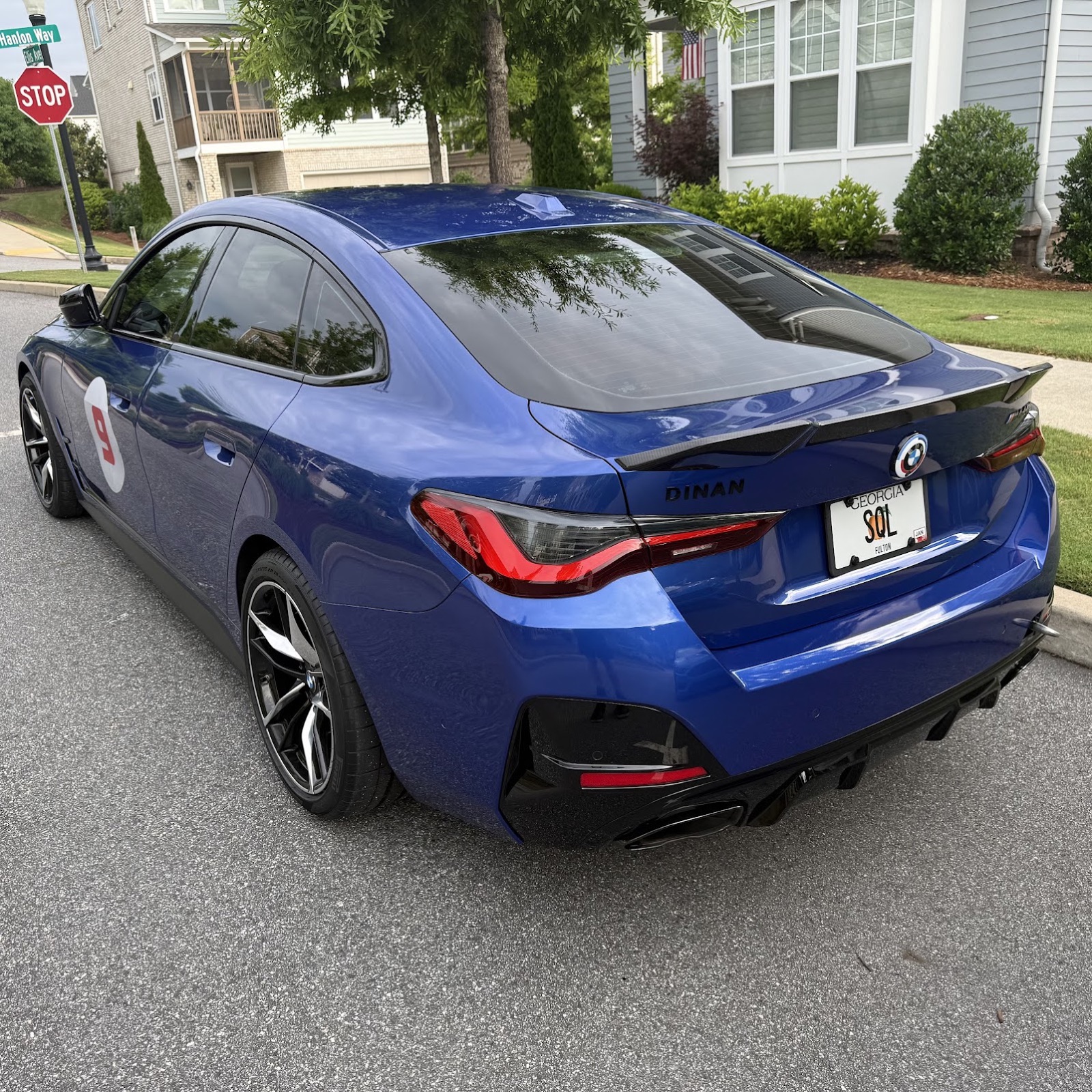
My Track Day Checklist Is Now a Schema in AWS
What happens when a data engineer decides the night-before-a-track-day spreadsheet isn’t good enough.
I have done 117 track days.
Last night was the first time in about a decade that I packed for a track day without the 11pm “did I forget the torque wrench” feeling.
The reason wasn’t that I finally got organized after all these years. The reason was that my track-day checklist isn’t a spreadsheet anymore.
It’s a schema in AWS.
I do this for a living. The patterns I figure out on weekends tend to find their way into Monday.
The old way
In 2018 my son Zach and I drove to Roebling Road. We arrived, unloaded, and realized we had both left our helmets at home.
We rented helmets, then I built the checklist spreadsheet that night.
Three columns — To Do, Car Stuff, Other Stuff. About eighty rows. I’d walk through it before an event, mentally check things off, and feel like I had a system. Same spreadsheet, but with additions and revisions every time I figured out something else I tended to forget.
The spreadsheet was an improvement over forgetting helmets. But it was the same spreadsheet for every single trip. It didn’t know that Saturday at Nelson Ledges has a 95% chance of rain. It didn’t know I’m an instructor at this event and that my daughter Rachel is riding with me, which means a second helmet in the trunk. It didn’t know the M440i is hauling my wife and daughter up to Ohio this weekend, so the EZ-up stays home. Same spreadsheet whether it’s August at Roebling or November at Barber. Unchanging, and only partially useful.
The way I worked around the spreadsheet’s blind spots was by remembering them. The forecast goes in my head. The car choice goes in my head. The instructor flag goes in my head. The trip-specific things the spreadsheet doesn’t know about are exactly the things I am most likely to forget.
So I rebuilt it. Not the spreadsheet, the model!
What changed: the experience
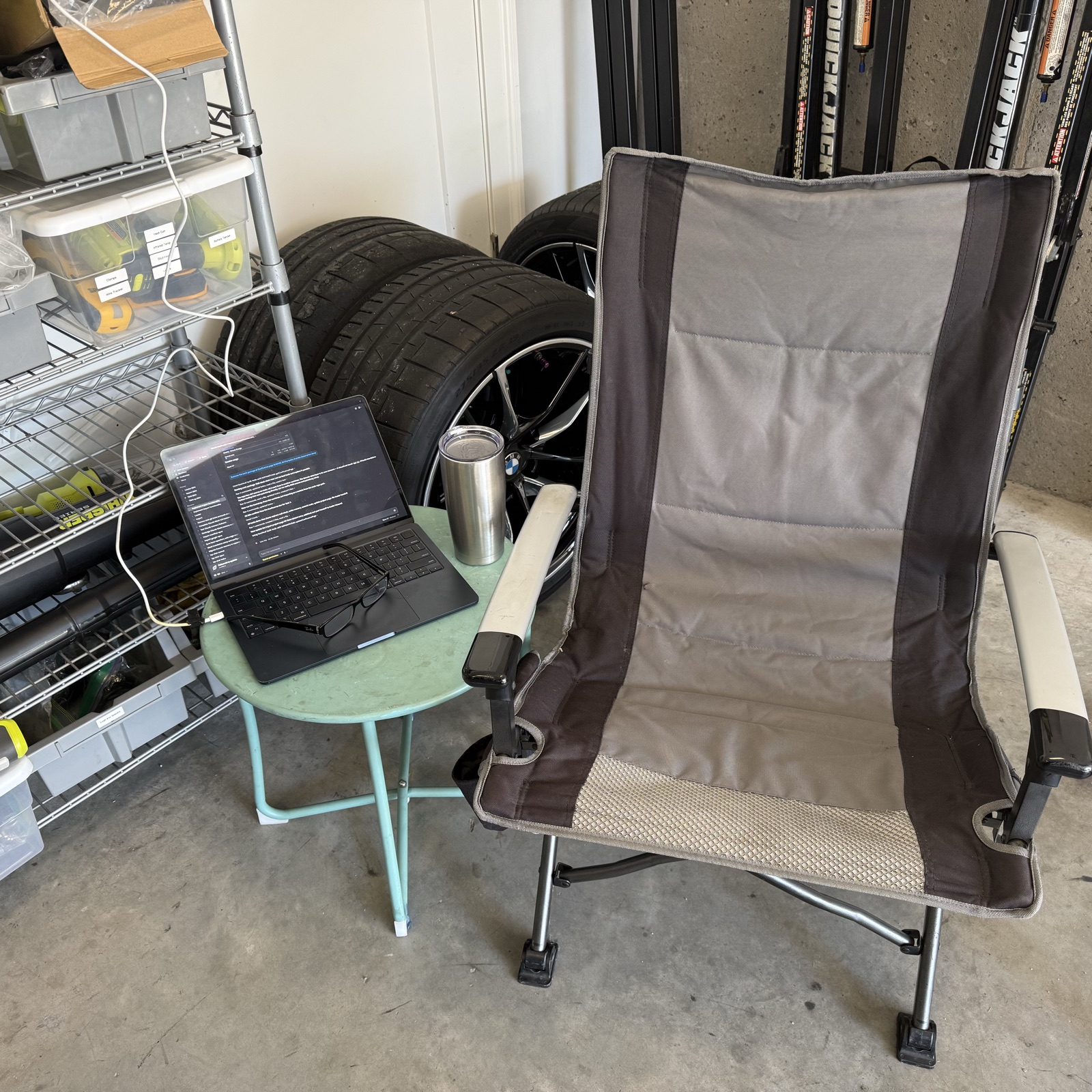
Last night I walked through the checklist with Claude.
The first thing it surfaced wasn’t a question at all — it was a forecast. Saturday at Nelson Ledges showing 95% rain. Claude already knew that, because the event was on my schedule and the forecast at the track is one API call away. “Let’s walk the rain-gear items.” Rain shoes, check. Umbrella, check. Three gloves total: driving, work, warm (it’ll be in the 50s Saturday morning). Hat to keep me warm, “I don’t see one packed. Want me to flag it?”
That was the win for me right there. A small thing, the kind of thing I’d have noticed at the track Saturday morning when it was too late to do anything about it. The system caught it before I left the house.
The next question was about who’s coming with me. “Anyone riding along?” Yes, my daughter Rachel is coming to the track Saturday. “Second helmet needed.” That’s a passenger-only item. Same with the in-car comms unit. Both only show up when the trip says someone’s riding with me.
The third thing was a structural shift I didn’t see coming. The old spreadsheet had those three columns — To Do, Car Stuff, Other Stuff. The categories were about the spreadsheet, not about how I actually pack. When you’re actually packing, you walk to a location and grab everything that lives there. You go to the garage and grab tools, fluids, the tire pressure gauge, the torque wrench. You go to the car and inventory what’s already in the trunk and what’s missing. You go to the kitchen and pack snacks and water. You sit at the computer and confirm hotel, schedule, and the student intro email (Claude drafted that based on my previous student emails, and I sent it).
Four locations. Four passes through the house. The spreadsheet’s columns didn’t match any of them. Claude’s checklist did, because we restructured the underlying data to be that.
We walked through 36 items in four location passes. Conditional ones only came up when the trip said they applied. Static ones were there every time. The list adapted to this trip, not to the average trip.
What it’s actually doing
Behind the conversation is a small AWS-backed data layer. Two tables and some glue. Nothing exotic.
The master list of items lives in a single Iceberg table called checklist_item. It has six columns that matter: the item name, where it lives in the house (garage / car / kitchen / computer), whether it’s conditional, the rule that makes it conditional, whether I actually own it, and a status (owned / wanted / retired). About a hundred rows. The whole list of everything I have ever taken or wanted to take to a track day.
A second table called event describes a trip. The car I’m taking, the track, the dates, my role, who’s riding along, the lodging, plus a handful of trip-specific flags. One row per trip. Maybe fifteen columns.
When Claude sees an upcoming event on my track-day schedule, it pulls the trip details, joins the two tables, and asks me about the right items in the right order and the conditional ones only when the event row says they apply.
I shouldn’t have to tell Claude I’m prepping for Nelson; the schedule already knows. The auto-kickoff is what I’m building next. For now, I open the conversation; soon it’ll open itself.
The data lives in S3 as Iceberg. A Lambda handles writes, so every “yes / no / later” answer I give is a row append, not a spreadsheet edit. Athena answers queries — “what’s still open for this trip,” “what conditional items applied, and which ones did I have.” A small MCP server lets Claude read and write the lakehouse from anywhere — my phone in the garage or my laptop at my desk. Same data, two surfaces.
It’s the same medallion pattern I’d build at work. Bronze raw, silver typed, gold for the answers I actually want. Same architecture I’d use for a customer’s billing data, but for the question of whether my torque wrench is in the trunk.
I did not need any of this to pack a car.
That, as it turns out, is the point.
The win
Thirty-six items decided in four location passes. The conversation took about twenty minutes. The night before an event is no longer a fire drill, it’s a walk-through that ends with everything in the right pile.
The system caught the warm hat I’d forgotten to pack. It caught that the EZ-up needed to stay home this trip, because the M440i is hauling my wife and daughter up to Ohio. It reminded me about the second helmet for my daughter, which I would have remembered eventually, but probably not before 11pm.
The trip is adapted to this trip. Not the average trip. Not the platonic ideal trip the spreadsheet was built for back in 2018. The actual trip: the M440i, instructing at Nelson Ledges, 95% rain on Saturday, family caravan up Thursday morning.
I did not forget anything. (Ask me Saturday afternoon.)
Why bother with all that for a checklist
Two reasons. Both true.
The first is that once a checklist is a schema, every other domain of my life can be one too. The tire fleet is already there, eight track wheels with colored valve caps, each one a row with a heat-cycle counter; Claude helped me mount tires last week using that data. The maintenance log is in progress. Each new domain gets cheaper to build, because the Lambda is the same Lambda, the S3 prefix structure is the same prefix structure, the query layer is the same query layer. The infrastructure compounds.
The second reason is that I do this for a living. The hobby is the sandbox where the stakes are zero. Patterns I figure out at the track tend to be patterns I bring to work on Monday. The data model that started as “what’s in my trunk” is the same shape as the data model for a lot of other things, including things people pay me to design. The track-day checklist is a small problem that lets me practice the moves on a big problem.
You don’t need a lakehouse to pack a car. You also don’t need a track-day checklist to be the place you practice it. But those are the two places I happen to spend my time, and now they share an architecture. That seems fine.
What’s next
Keep building.
The track tire fleet is the next post, same wheels-and-caps fleet that’s been the backbone of how I run track days. After that: my travel domain. I planned the hotels for this Nelson trip in Claude, but the travel side is still mostly conversational, once it’s a schema, Claude will know at a glance whether I have a hotel booked for COTA in October, or whether I’m just driving from home for an AMP day. Then my finance domain. My health domain. More car stuff. And eventually the connective tissue between all of them. Once everything’s a schema, Claude can answer questions that cross domains. “Do I have a hotel for COTA, which car am I taking, and do those tires have enough cycles left?” Without me ever leaving the conversation.
This is the first post. Twenty or so more on the way.
If you race, instruct, or wrench — I’d love to hear about your version of the spreadsheet. Reply on LinkedIn, or come find me at the track.